
Explore All Online Tools
Discover 12 production-grade utilities designed for fast, secure in-browser workflows. Zero file uploads, no signup, and 100% free forever.

QR Code Generator
Create customizable vector QR codes for URLs, WiFi, WhatsApp, and vCards with instant scanning validation.
Image to PDF Converter
Combine JPG, PNG, and WebP images into standardized A4, A3, Letter, and Legal PDF documents with layout control.
PDF Compressor
Reduce heavy PDF document file size with verifiable byte reduction while preserving typography and vectors.
Advanced PDF Editor
Select and edit existing document text, replace logos, draw shapes, redact words, and run client-side OCR.
PDF to Word Converter
Extract structured text, paragraphs, and tables from PDF documents into editable Microsoft Word DOCX files.

AI Background Remover
Remove backgrounds from portrait and product photos using in-browser neural segmentation without cloud uploads.
Professional Invoice Maker
Create, customize, and export professional GST tax invoices with real-time tax calculation, 5 templates, and instant PDF download.
PDF to Image Converter
Convert every PDF page into separate high-resolution JPG, PNG, or WebP images with custom DPI scaling, page range selection, and ZIP download.
Word to PDF Converter
Convert Microsoft Word documents (.docx) into standardized, high-quality PDF documents preserving formatting, headings, and tables.
Merge PDF
Combine multiple PDF files into one clean document with visual drag-and-drop reordering, page rotation, and range selection.
Image Compressor
Compress JPG, PNG, and WebP images up to 80% without visible quality loss with live before/after comparison and custom resizing.
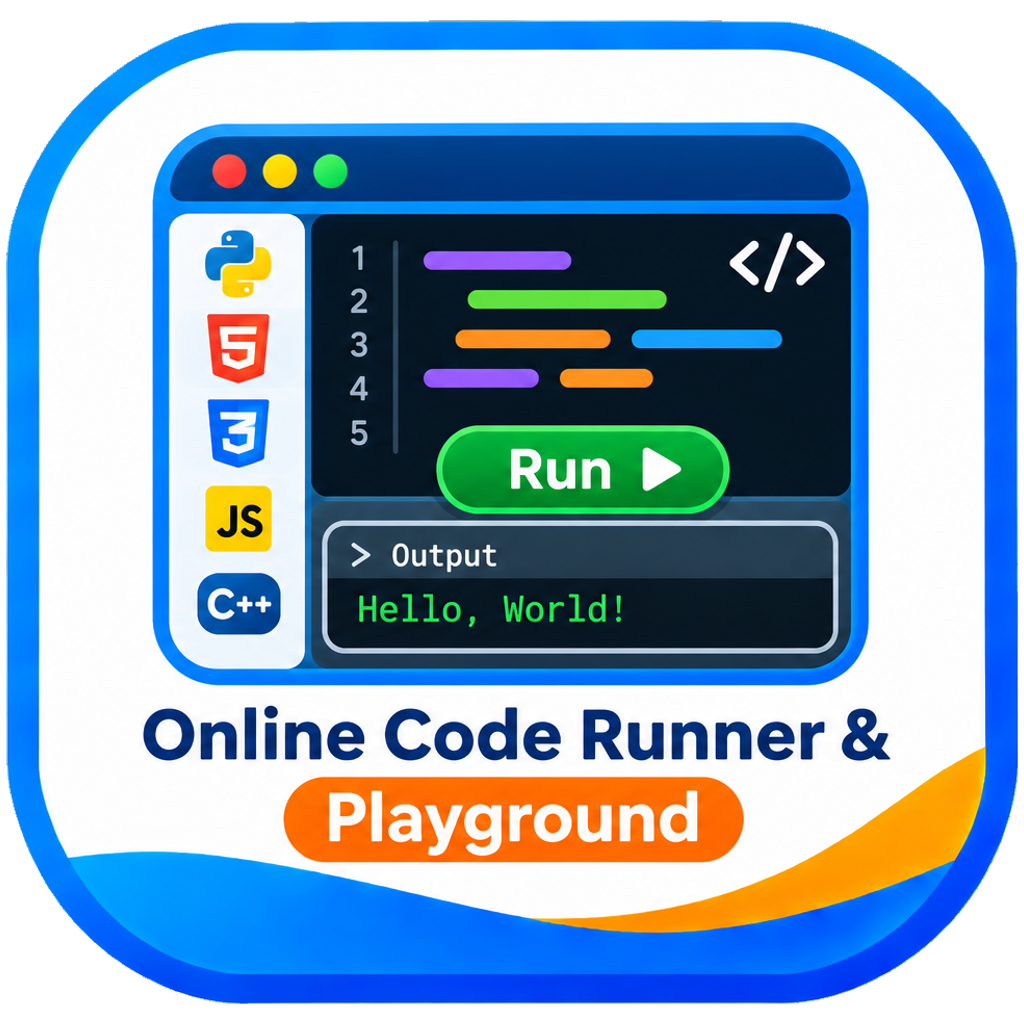
Online Code Runner & Playground
Multi-language coding playground for HTML, CSS, JavaScript, Python 3, SQL Playground, JSON Formatter, and Markdown with zero-latency sandbox execution.
Explore All Online Tools in One Place
Finding the right tool for a digital task should be simple. Whether you want to manage PDF documents, edit images, create QR codes, generate business invoices, or practice programming with developer tools, having access to useful tools in one place can save time and effort. Tools Khazana brings together a growing collection of all online tools designed to make common digital activities easier and more convenient.
Instead of visiting multiple websites to find different utilities, you can explore the available tools through one organized platform. From students and freelancers to professionals, creators, and business owners, Tools Khazana helps different users discover practical digital solutions according to their needs.
Discover a Useful Online Tools List
Looking for an organized online tools list? Tools Khazana makes it easier to explore different types of utilities through dedicated tool categories. Each tool is designed for a particular task, helping you find a suitable option without searching through unrelated services.
Whether you need a document converter like PDF to Word, an image utility like AI Background Remover, a QR code generator, or a productivity tool like Invoice Maker, you can browse the available collection and choose the option that matches your requirement. Our goal is to make discovering and using digital utilities straightforward, with a clean experience and tools organized around everyday tasks.
Free Online Tools for Everyday Tasks
Many everyday activities involve working with digital files and information. You might need to reduce a document's size with PDF Compressor before sharing it, convert an image into a PDF with Image to PDF, create a QR code for a website, or prepare a GST-compliant invoice for your business.
Tools Khazana provides access to selected free online tools that help with these common activities. You can explore the available features directly on their respective pages and check individual tool requirements, supported formats, and usage limitations. The platform aims to make useful digital utilities accessible without making everyday tasks unnecessarily complicated.
All Tools in One Place for Different Categories
Tools Khazana brings together different types of utilities so users can explore relevant solutions from one platform:
PDF documents are commonly used for assignments, reports, and business records. Our PDF collection includes PDF Editor, PDF Compressor, PDF to Word, Word to PDF, PDF to Image, and Merge PDF.
Images are important for websites, social media, presentations, and online stores. Tools Khazana includes Image Compressor, AI Background Remover, and Image to PDF Converter in our Image Suite.
QR codes provide a convenient way to share links, Wi-Fi credentials, and business cards through a smartphone scan. The QR Code Generator in our QR Tools category helps you create customized, permanent vector codes.
Digital operations involve invoicing, receipts, and calculation. Explore our Business Tools category including our flagship Professional Invoice Maker supporting intra-state and inter-state GST calculations.
Practice coding and run snippets right in your web browser. Discover our Developer Tools category and the interactive Online Code Runner & Playground supporting HTML, CSS, JavaScript, Python 3, SQL, and JSON with zero local setup.
Explore Free Web Tools and Online Utility Tools
Free web tools and online utility tools can make routine digital work more convenient by providing browser-accessible solutions for specific tasks. Instead of installing separate desktop applications for every requirement, users can explore supported tools directly through their web browser.
Tools Khazana brings multiple utilities together with a focus on accessibility, clear navigation, and practical functionality. Availability, supported file formats, processing methods, and usage limits may differ between individual tools.
Online Productivity Tools for Students, Professionals and Businesses
Different people use online utilities for different reasons. Students may need document conversion tools for assignments, professionals may work with PDFs and images, and business owners may need invoice or QR code utilities. Freelancers, developers, designers, content creators, and everyday internet users can also explore the collection according to their needs.
By organizing different categories on one platform, Tools Khazana makes it easier to discover relevant online productivity tools without navigating through multiple unrelated websites.
Why Explore Tools Khazana?
Choosing a useful online tools platform is about more than the number of available utilities. It is also about finding the right feature quickly and understanding how to use it:
- Organized tool categories: Explore PDF, image, QR code, business, and developer utilities.
- Convenient discovery: Find relevant tools through a single organized collection.
- Simple navigation: Browse categories and individual tool pages.
- Different everyday uses: Discover utilities for documents, images, files, and productivity.
- Browser-based access: Use supported tools through your web browser without unnecessary software installation.
If you are searching for the best online tools website to discover practical digital utilities, Tools Khazana provides a convenient place to explore different options.
Find the Right Tool for Your Next Task
From PDF document management and image utilities to QR code creation, GST invoicing, and coding solutions, Tools Khazana brings different digital tools together in one organized collection. Explore the available categories, discover useful features, and choose the right tool for your everyday digital tasks.